


Our Social Network
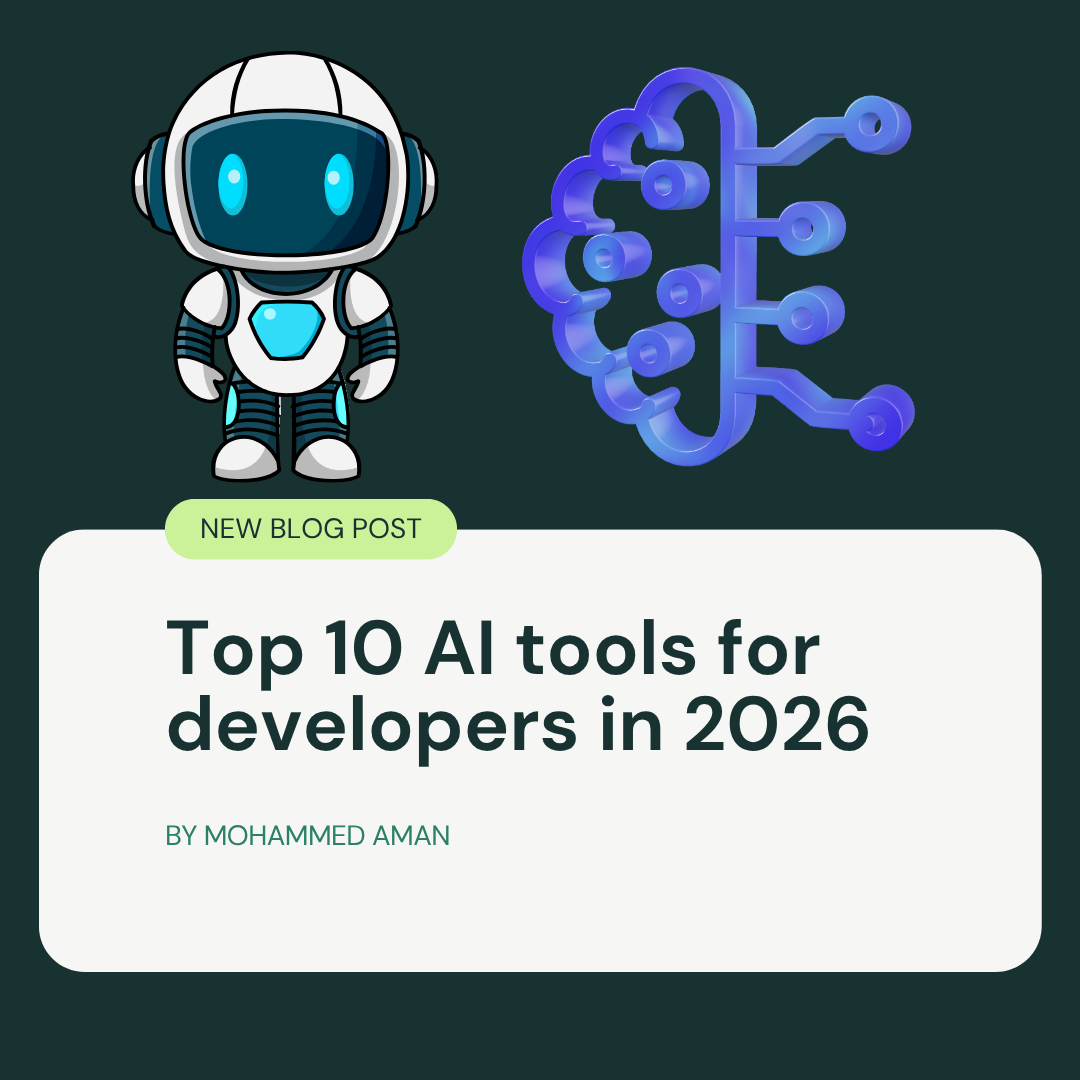
Top 10 AI Tools for Developers in 2026
 14 July 2026
 8 min read
Top 10 AI Tools for Developers in 2026
Discover the top 10 AI tools for developers in 2026, including the best options for coding, debugging, code review, testing, security, and productivity.
"
AI has become a core part of modern software development. In 2026, the best tools do much more than autocomplete code — they help developers debug, refactor, review pull requests, write tests, improve documentation, and even support secure engineering workflows.
The real question is no longer whether developers should use AI, but which tools fit their workflow best. Some tools are ideal for fast coding inside an editor, while others are better for terminal-based automation, code review, testing, or documentation.
Why AI tools matter in 2026
Developer AI tools have matured into workflow partners rather than simple assistants. They can understand project context, generate multi-file changes, and help teams move faster without sacrificing quality when used correctly.
The strongest tools are the ones that fit naturally into daily work. That means good IDE integration, useful terminal support, strong context handling, and enough reliability that developers actually keep using them.
How this list was chosen
This list focuses on tools that are actively relevant in 2026 and useful across real development workflows. The goal is not to chase hype, but to highlight tools that help with coding, debugging, quality, testing, security, and productivity.
I also looked at practical factors like adoption, workflow fit, privacy, and how well each tool handles real-world developer tasks.
Top 10 AI tools for developers in 2026
Cursor
Cursor is one of the most popular AI-first IDEs for developers in 2026. It is built for people who want AI deeply integrated into the coding experience, especially when working across multiple files and large codebases.
Its strongest value is the way it combines an editor, autocomplete, and agent-like task handling in one place. If you want an AI tool that feels like a true coding environment rather than just a plugin, Cursor is one of the best options.
GitHub Copilot
GitHub Copilot remains a go-to choice for developers who want AI inside the tools they already use. It works well for fast suggestions, code completion, and productivity boosts without forcing a big workflow change.
It is especially strong for teams that already live in GitHub and standard IDEs. For many developers, Copilot is the most practical “low-friction” AI tool because it fits into existing habits.
Claude Code
Claude Code is a powerful terminal-first AI tool for developers who want strong reasoning and multi-step task support. It is especially useful for debugging, complex refactors, code inspection, and tasks that require deeper understanding of the codebase.
This tool shines when you need a collaborator that can think through a problem instead of just suggesting the next line of code. It is a favorite for more advanced engineering workflows.
Windsurf
Windsurf is a strong AI coding environment built for agent-style development workflows. It is often mentioned alongside Cursor because it also focuses on multi-file awareness and an AI-native editing experience.
Many developers like Windsurf for its balance of features and accessibility. If you want a capable AI editor that can handle bigger tasks without feeling overwhelming, Windsurf is worth serious consideration.
Tabnine
Tabnine is the privacy-focused choice on this list. It is a strong option for teams that need AI assistance while keeping tighter control over code and data.
That makes it especially relevant for enterprises, regulated industries, and teams with strict security policies. If privacy and deployment flexibility matter more than flashy features, Tabnine is a solid fit.
CodeScene
CodeScene is best known for code health analysis, technical debt visibility, and maintainability insights. It helps teams understand where complexity is growing and where code quality is at risk.
This makes it especially useful for engineering leaders and platform teams. Rather than focusing on autocomplete, CodeScene helps teams keep software healthy over time.
Qodana
Qodana is a smart choice for teams that want static analysis and quality checks built into their development pipeline. It works well for enforcing code standards and catching issues earlier in the process.
It is particularly helpful for organizations that already care about automated quality gates. In that kind of environment, Qodana can save time and reduce repeated review work.
testRigor
testRigor is one of the most useful AI tools for test automation. It lets teams write tests in plain language, which makes automation more accessible to developers and QA teams alike.
Its biggest advantage is speed of creation and lower maintenance overhead. If your team struggles with fragile test scripts, testRigor can make automation much easier to manage.
LambdaTest
LambdaTest is a strong cloud testing platform for cross-browser and cross-device validation. Its AI-supported testing features help teams expand coverage without handling everything manually.
This is especially helpful for web teams shipping across many devices and browsers. If your biggest headache is QA at scale, LambdaTest is a practical addition to your stack.
Document360
Document360 deserves a place here because documentation is a major part of developer productivity. Its AI features help teams create and organize documentation faster, which is useful for APIs, product docs, and internal knowledge bases.
Good documentation saves time for both new and experienced developers. If your team wants a better way to keep knowledge organized, Document360 is a strong supporting tool.
Best tools by use case
Use case: Daily coding
Best tools: Cursor, GitHub Copilot, Windsurf
Why: Strong autocomplete, editor integration, and workflow speed.
Use case: Debugging and complex tasks
Best tools: Claude Code
Why: Better for reasoning through multi-step problems.
Use case: Private or regulated environments
Best tools: Tabnine
Why: Better privacy and tighter data control.
Use case: Code health and maintainability
Best tools: CodeScene, Qodana
Why: Helps catch technical debt and enforce standards.
Use case: Testing and QA
Best tools: testRigor, LambdaTest
Why: Improves test creation and cross-browser coverage.
Use case: Documentation
Best tools: Document360
Why: Speeds up knowledge capture and documentation workflows.
How to choose the right one
If you are a solo developer, Cursor or GitHub Copilot is a great place to start. If you work on harder debugging tasks or need more reasoning power, Claude Code is an excellent second tool.
If you are on a team, it often makes sense to combine tools instead of relying on just one. A practical stack in 2026 is one coding assistant, one debugging or agent tool, and one quality or testing platform.
Final thoughts
The best AI tools for developers in 2026 are the ones that help you ship faster without creating chaos. Good tools save time, reduce repetition, and improve quality — but they still need human review and good engineering judgment.
If you choose well, AI becomes a productivity multiplier instead of just another shiny tool. The smartest teams are not using one AI product; they are building a workflow around the right mix of tools.
FAQ
Which AI tool is best for coding in 2026?
Cursor and GitHub Copilot are two of the best choices for everyday coding, while Claude Code is stronger for deeper reasoning and complex tasks.
Which AI tool is best for debugging?
Claude Code is especially useful for debugging because it handles multi-step reasoning and codebase exploration well.
Which AI tool is best for teams?
GitHub Copilot, Qodana, and LambdaTest are strong team-friendly choices because they fit well into shared workflows and quality pipelines.
Which AI tool is best for privacy?
Tabnine is the strongest privacy-oriented option on this list.
Leave a Reply
Share your thoughts about this article.

Mohammed Aman
Tech blogger covering AI, coding, and the future of software. Founder of CodeWithBeast.


More Articles

Claude AI vs ChatGPT vs Gemini: Which AI Assistant Wins in 2025?
The AI assistant landscape is more competitive than ever. Claude, ChatGPT, and Gemini each excel in ...

Prompt Engineering: 20 Advanced Techniques to 10x Your AI Productivity
The difference between a mediocre and exceptional AI output is usually the prompt. These 20 proven t...

Build an AI-Powered App with the OpenAI API: Step-by-Step Tutorial
The OpenAI API gives you programmatic access to GPT-4o and other models. In this tutorial, you will ...
Never Miss a Tech Article
Join thousands of developers getting the latest AI, coding, and tech tutorials delivered to their inbox every week.
CodeWithBeast is your hub for AI, coding, and the latest in tech. Empowering developers, creators, and learners worldwide.
© 2026 CodeWithBeast. All Rights Reserved.