
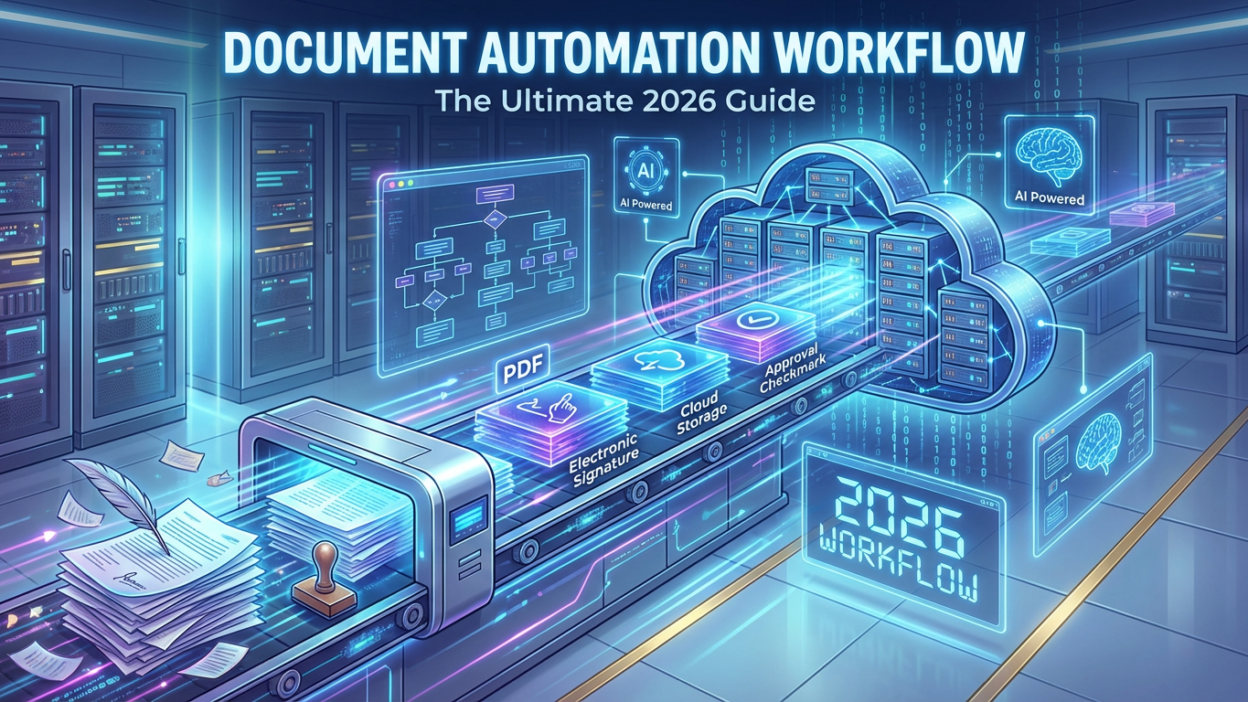
In the fast-paced business environment of 2026, speed is everything. However, many companies are still bogged down by paperwork. The solution lies in a robust document automation workflow.
A document automation workflow is more than just a buzzword. It is the systematic process of using technology to create, route, track, and store documents without manual intervention. By implementing a automation workflow, businesses can reclaim thousands of wasted hours.
Whether you are a legal firm generating contracts or a marketing agency sending proposals, mastering this workflow is essential. In this guide, we will explore exactly how to build a workflow that scales.
What is a Document Automation Workflow?
At its core, a document automation workflow is a sequence of automated steps. It takes data from a source (like a CRM or a form) and populates it into a document template. Then, it routes that document for approval or signature.
For instance, consider an HR department. Instead of manually typing an offer letter, an HR manager fills out a form. Consequently, the document automation workflow instantly generates a PDF, emails it to the candidate, and saves a copy in the cloud.
The Key Components
To build an effective system, you need three main components:
- The Trigger: An action that starts the process (e.g., a form submission).
- The Template: A pre-formatted document with dynamic placeholders.
- The Delivery: The method of sending the final document (e.g., email, Docusign).
Why You Need a Document Automation Workflow
Implementing a document automation workflow offers immediate ROI. Here are the primary benefits.

1. Elimination of Human Error
Manual data entry is prone to mistakes. A typo in a contract can cost millions. However, a document automation workflow pulls data directly from your “source of truth,” ensuring 100% accuracy every time.
2. Speed and Efficiency
What used to take hours now takes seconds. By removing the manual drafting phase, a document automation workflow accelerates deal cycles. Sales teams can send contracts while they are still on the phone with the client.
3. Compliance and Standardization
Every document generated through a document automation workflow follows a set template. This ensures that legal disclaimers and branding are always consistent. You never have to worry about an employee using an outdated version of a file.
How to Build a Document Automation Workflow
Creating a document automation workflow might seem daunting, but it is actually quite logical. Follow these steps to get started.
Step 1: Identify Your Bottlenecks
First, look at your current processes. Which documents take the longest to create? Common candidates for a document automation workflow include NDAs, sales proposals, and invoices.
Step 2: Choose Your Tool Stack
You cannot build a document automation workflow without the right tools. Popular options include PandaDoc for proposals and Zapier for connecting apps. These tools allow you to map data fields easily.
Step 3: Create Your Dynamic Templates
Next, upload your standard Word or PDF documents. Replace specific details (like Client Name or Date) with “variables.” In a robust document automation workflow, these variables will be filled automatically by your software.
Step 4: Define the Routing Logic
This is where the “workflow” part comes in. Who needs to sign this? If the contract value is over $10,000, does it need a manager’s approval? A smart document automation workflow can handle this logic conditionally.
Step 5: Test and Deploy
Before rolling it out, run a test. Ensure the data maps correctly. Once verified, launch your document automation workflow to the team.
Advanced Strategies for 2026
As technology evolves, so does the document automation workflow. In 2026, we are seeing the integration of AI.
- AI Data Extraction: Tools can now read an incoming PDF email and trigger a document automation workflow automatically.
- Smart Clauses: Legal teams use AI to swap out contract clauses based on the recipient’s location.
If you are interested in broader automation, check out our guide on AI Automation Services to see how other tasks can be streamlined.
Best Practices for Maintaining Your Workflow
A document automation workflow is not a “set it and forget it” tool. You must review it quarterly.
- Update Templates: Ensure your legal terms are current.
- Audit Permissions: Who has access to trigger the document automation workflow?
- Gather Feedback: Ask your team if the process is actually saving them time.
Conclusion
The era of manual paperwork is over. A document automation workflow is the competitive advantage you need. It reduces errors, saves time, and empowers your team to focus on high-value work.
Start small. Pick one document today and build your first document automation workflow. You will wonder how you ever managed without it.